Deploy your first container
Goal
A container of your own running on a node you enrolled, visible in the dashboard.
Before you start
- A tenant account and a dashboard sign-in.
- One Linux machine you can open a root shell on, with Docker installed.
- Outbound HTTPS from that machine to the control plane.
Steps
- Sign in to the dashboard and open Nodes. It is empty.
- Choose Enrol a node. The dashboard shows an install command carrying a single-use token.
- Run that command as root on your machine. It ends by reporting that the agent is enrolled.
- Return to Nodes. Your machine appears and becomes ready within about half a minute.
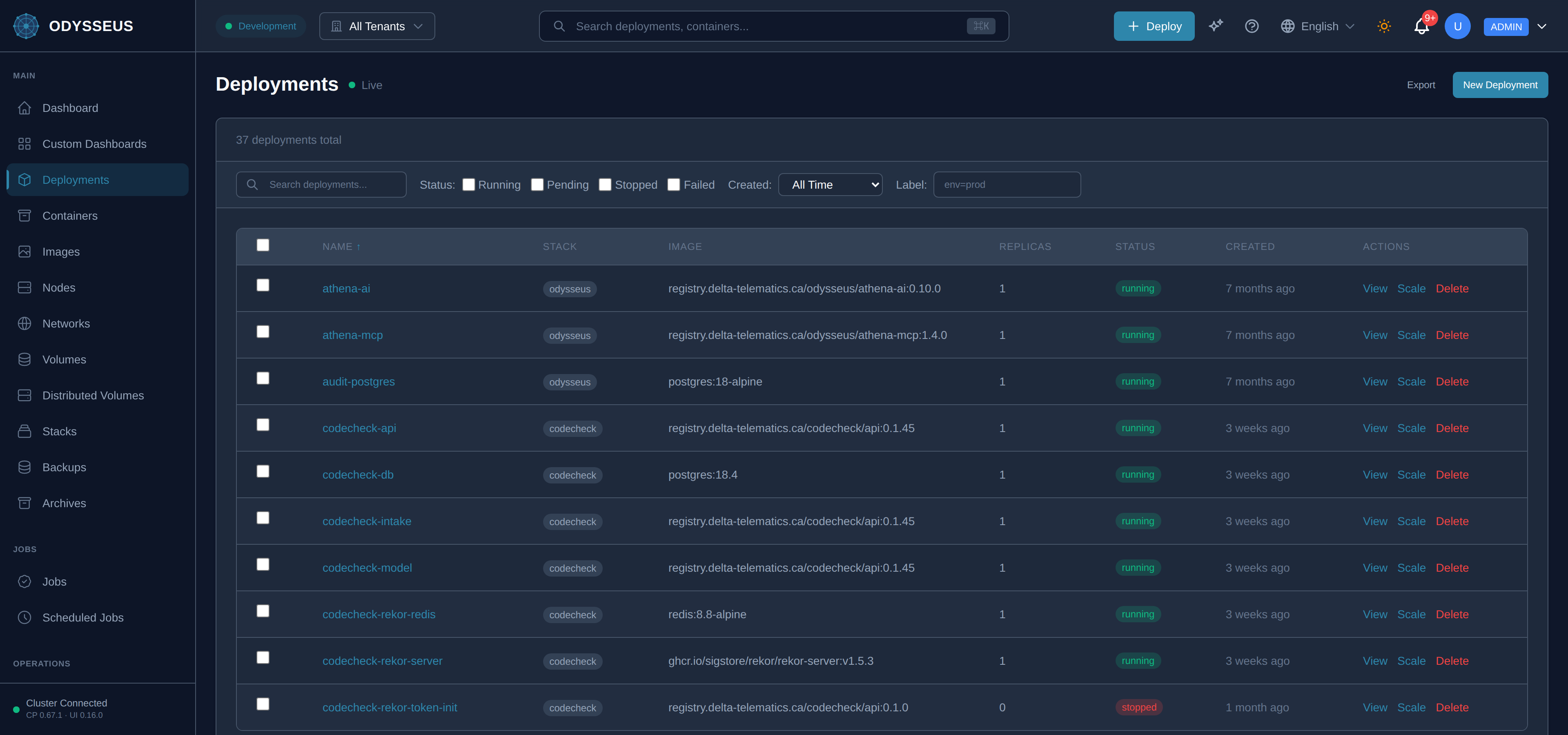
- Open Deployments, choose New deployment, name it
hello, and set the image tonginx:1.27-alpine. - Choose Deploy. The deployment moves from pending to running.
- Open the deployment and choose Logs. nginx’s start-up lines appear.
Verify
The deployment reports one running replica, and the container is listed under the node from step 4.
Budget about 15 minutes. Most of it is waiting for the agent’s first check-in.