Custom Dashboards
What This Is For
Section titled “What This Is For”Custom Dashboards is a self-service alternative to the built-in Dashboard: you build your own, one widget at a time, on a 12-column drag-and-resize grid. The list page shows every dashboard you have created, with duplicate, edit and delete alongside each; the editor lets you pull widgets from a library and arrange them; the viewer renders the finished layout. Unlike the fixed system Dashboard, these are yours to shape around whichever nodes, deployments or events you personally care about.
How You Get Here
Section titled “How You Get Here”Sidebar section Main → Custom Dashboards.
What It Looks Like
Section titled “What It Looks Like”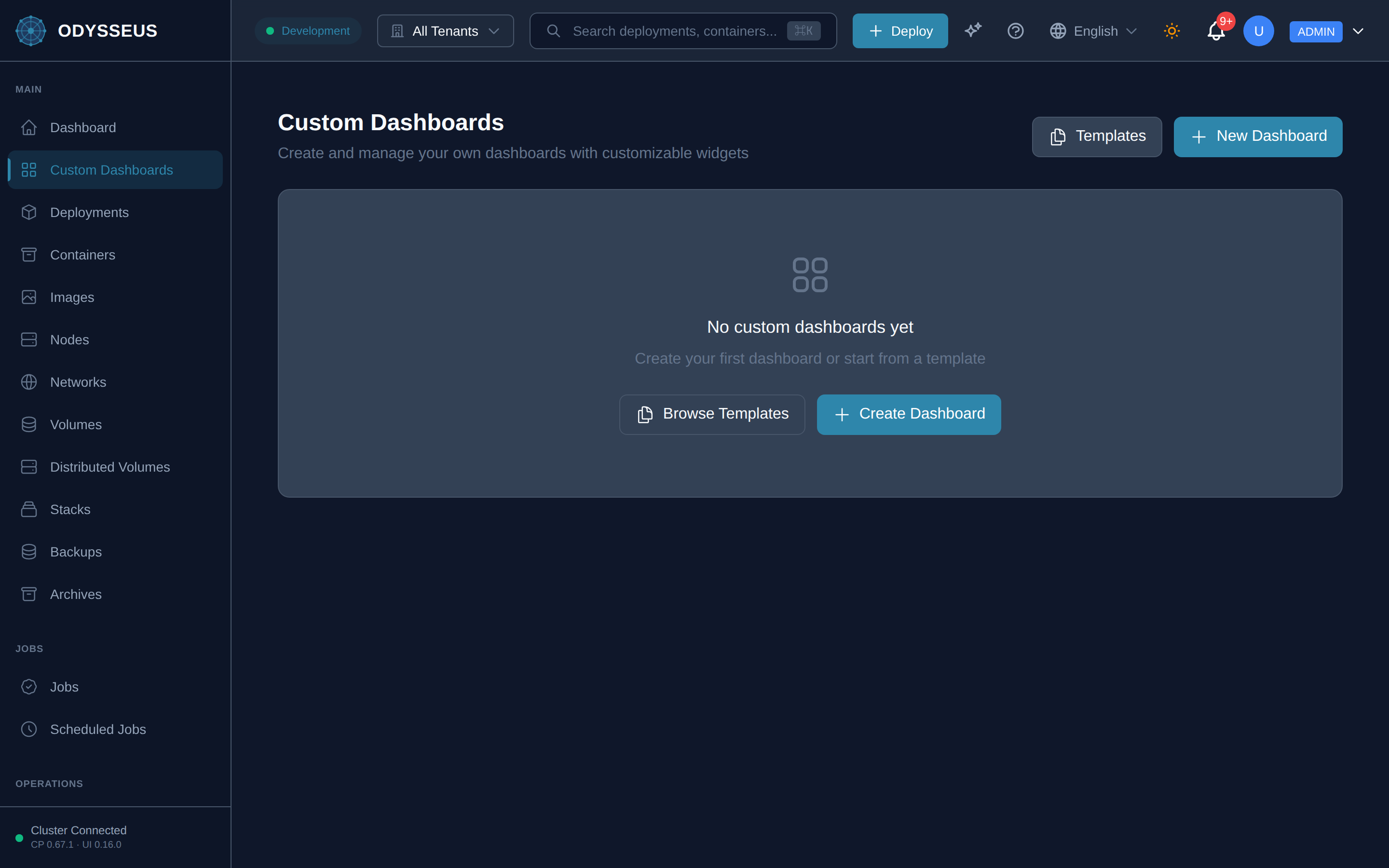
What It Shows
Section titled “What It Shows”/dashboards (CustomDashboards)
Section titled “/dashboards (CustomDashboards)”common:customDashboards.browse-templates— “Browse Templates”common:customDashboards.cancel— “Cancel”common:customDashboards.create-and-manage-your-own— “Create and manage your own dashboards with customizable widgets”common:customDashboards.create-dashboard— “Create Dashboard”common:customDashboards.create-your-first-dashboard-or— “Create your first dashboard or start from a template”common:customDashboards.custom-dashboards— “Custom Dashboards”common:customDashboards.delete— “Delete”common:customDashboards.duplicate— “Duplicate”common:customDashboards.edit— “Edit”common:customDashboards.new-dashboard— “New Dashboard”common:customDashboards.no-custom-dashboards-yet— “No custom dashboards yet”common:customDashboards.start-from-a-template— “Start from a Template”common:customDashboards.templates— “Templates”common:customDashboards.view— “View”
/dashboards/:id (DashboardViewer)
Section titled “/dashboards/:id (DashboardViewer)”common:dashboardViewer.add-some-widgets— “Add some widgets”common:dashboardViewer.back-to-dashboards— “Back to Dashboards”common:dashboardViewer.dashboard-not-found— “Dashboard not found”common:dashboardViewer.edit— “Edit”common:dashboardViewer.refresh— “Refresh”common:dashboardViewer.this-dashboard-has-no-widgets— “This dashboard has no widgets.”
/dashboards/:id/edit (DashboardEditor)
Section titled “/dashboards/:id/edit (DashboardEditor)”common:dashboardEditor.add-a-description— “Add a description…”common:dashboardEditor.add-widget— “Add Widget”common:dashboardEditor.cancel— “Cancel”common:dashboardEditor.configure-widget— “Configure Widget”common:dashboardEditor.dashboard-name— “Dashboard Name”common:dashboardEditor.data-source— “Data Source”common:dashboardEditor.e-g-cpu-utilization— “e.g., cpu_utilization”common:dashboardEditor.no-widgets-yet-add-one— “No widgets yet. Add one to get started.”common:dashboardEditor.preview— “Preview”common:dashboardEditor.query-metric— “Query / Metric”common:dashboardEditor.save— “Save”common:dashboardEditor.saving— “Saving…”common:dashboardEditor.title— “Title”
/dashboards/new (DashboardEditor)
Section titled “/dashboards/new (DashboardEditor)”common:dashboardEditor.add-a-description— “Add a description…”common:dashboardEditor.add-widget— “Add Widget”common:dashboardEditor.cancel— “Cancel”common:dashboardEditor.configure-widget— “Configure Widget”common:dashboardEditor.dashboard-name— “Dashboard Name”common:dashboardEditor.data-source— “Data Source”common:dashboardEditor.e-g-cpu-utilization— “e.g., cpu_utilization”common:dashboardEditor.no-widgets-yet-add-one— “No widgets yet. Add one to get started.”common:dashboardEditor.preview— “Preview”common:dashboardEditor.query-metric— “Query / Metric”common:dashboardEditor.save— “Save”common:dashboardEditor.saving— “Saving…”common:dashboardEditor.title— “Title”
What You Can Do
Section titled “What You Can Do”/dashboards
Section titled “/dashboards”This screen’s component declares no permission-gated controls.
/dashboards/:id
Section titled “/dashboards/:id”This screen’s component declares no permission-gated controls.
/dashboards/:id/edit
Section titled “/dashboards/:id/edit”This screen’s component declares no permission-gated controls.
/dashboards/new
Section titled “/dashboards/new”This screen’s component declares no permission-gated controls.
Where To Go Next
Section titled “Where To Go Next”See the Dashboard screen for the fixed, built-in view these custom layouts are an alternative to.