A deployment never leaves scheduling
Symptom
The deployment was accepted — it exists, GET /api/v1/deployments/{name} returns it — and no
container ever appears. The replica count stays at zero and no node lists it.
Diagnose
-
Read the refusal before you guess. A deployment that has never been placed publishes a
deployment.unschedulableevent carrying the scheduler’s own words: every candidate node named, each with the reason it was rejected.GET /api/v1/eventshas it. The deployment’s own status message is the summary — that some replicas are unschedulable because no ready node accepts new work — so the per-node reason is in the event and nowhere else. -
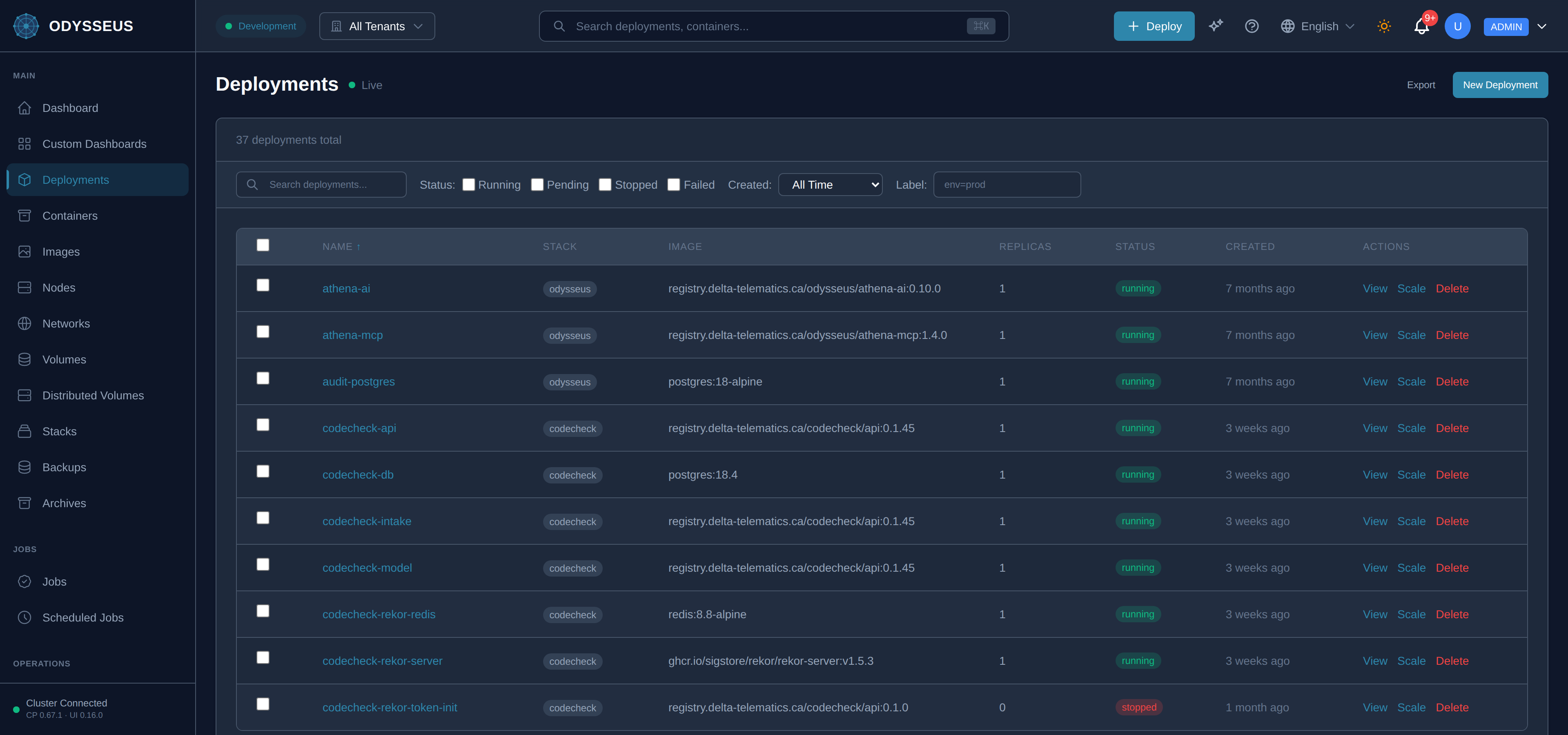
Is any node in your tenant ready? Open Nodes, or
GET /api/v1/nodes. Placement never crosses the tenant boundary, so another tenant’s spare capacity is not capacity. -
Do the resource requests fit on one node? A request larger than any single node’s free capacity is not split. Compare the deployment’s requests against the nodes’ reported capacity.
-
Does the placement block match anything? A label constraint, an anti-affinity or a named node is a filter, and a filter that matches nothing leaves nowhere to put the container. See placement and allocation.
-
Is the only candidate the node the control plane itself runs on? One agent can serve several tenants, and that node keeps running the deployments already placed on it — but it accepts no new ones from any tenant except the platform. It is not reported as a fault, either: while the platform’s own record of that node is fresh, the node’s liveness is read from that record and your tenant’s health loop leaves its status alone, so it is never marked failed and never counted among impaired nodes. A tenant whose only node is that one has nowhere to put anything new.
-
Does the deployment require a region or country no node advertises? Data residency is a hard filter, not a preference. You write it as
placement.residency, and it compiles to the three labels the scheduler reads — so look for either form on the deployment:you write it is stored as a node satisfies it with placement.residency.countryodysseus.io/data-residency-countryodysseus.io/countryequal to itplacement.residency.regionodysseus.io/data-residency-regionodysseus.io/geo-regionequal to it, or a country the region coversplacement.residency.blockedCountriesodysseus.io/blocked-countries, comma-joinednothing — a listed country removes the node The refusal quotes both the value you required and the value the node reported, so a spelling mismatch is visible rather than inferred. If you arrived here holding a hand-written
odysseus.io/data-residency-*label, that form is no longer accepted at all: the typed block in the left-hand column is the replacement, and the rejection prints your own values back in it. See data residency. -
Was residency accepted with a warning you did not read? A residency constraint this control plane cannot honour is stored rather than refused, and the response body says which of the two it is: geographic enforcement switched off, or no node in reach advertising a matching label — the second lists the values your nodes do advertise. Both are in rejections and alterations under
placement.residency. Either way the deployment is accepted and waits.GET /api/v1/scheduler/regionsanswers both questions directly — the regions this control plane declares, and whether enforcement is on. -
Is the tenant at a quota? A quota that is reached stops new containers rather than shrinking existing ones.
Resolve
-
No ready node: enrol one, or bring the existing one back — see a node you enrolled is not listed.
-
Requests too large: lower them, or add a node that can hold them. The requests inform placement; they are not a reservation, so the fix is fitting rather than reserving.
-
Constraint matches nothing: relax it, or label a node so it matches. Setting both a placement block and the equivalent hand-written label is refused, so change one of them, not both.
-
Only the control plane’s own node is a candidate: enrol a node of your own. This one is deliberate rather than a fault — a node shared with the control plane is kept off the placement list for every tenant but the platform, while its liveness is mirrored from the platform’s record so the containers already on it stay honestly monitored. Nothing you can set on the deployment overrides it, because it is a security ruling rather than a constraint you wrote.
-
Residency matches nothing: give a node the
odysseus.io/countryorodysseus.io/geo-regionlabel the deployment requires — in that node’s own agent configuration, and it is re-advertised when the agent restarts, not when the control plane does — or change what the deployment requires. Check what the nodes advertise before editing the deployment: a region spelled in a way no node advertises reads exactly like having no capacity at all. Change the requirement inplacement.residency, never by editing anodysseus.io/data-residency-*label; that label is refused on write, and the rejection hands you the typed block filled in with your own values:placement:residency:country: CA # or `region:`, naming one this control plane declaresblockedCountries: [CN] -
The region name is not one this control plane declares: it is refused rather than left pending, and the refusal lists the declared names.
GET /api/v1/scheduler/regionslists them too, and says whether enforcement is switched on — regions are declared per control plane, so a name that works elsewhere may not exist here. -
Quota reached: free capacity by removing what you no longer run, or ask for the quota to be raised.
Prevent
Set requests from measured usage rather than from a round number, and keep at least one node of your own that matches no constraint at all, so a mistyped label leaves somewhere for the container to land. A node shared with the control plane does not count as that spare: it takes no new placement from your tenant however it is labelled.