Deploy a web application
Goal
An application of yours running behind a hostname, with TLS, and replaced without downtime when you change it.
Before you start
- At least one ready node in your tenant — see enrol a node.
- An image pushed to a registry the platform can pull from, pinned to a tag that is not
latest. - A DNS name pointing at the routing edge.
Steps
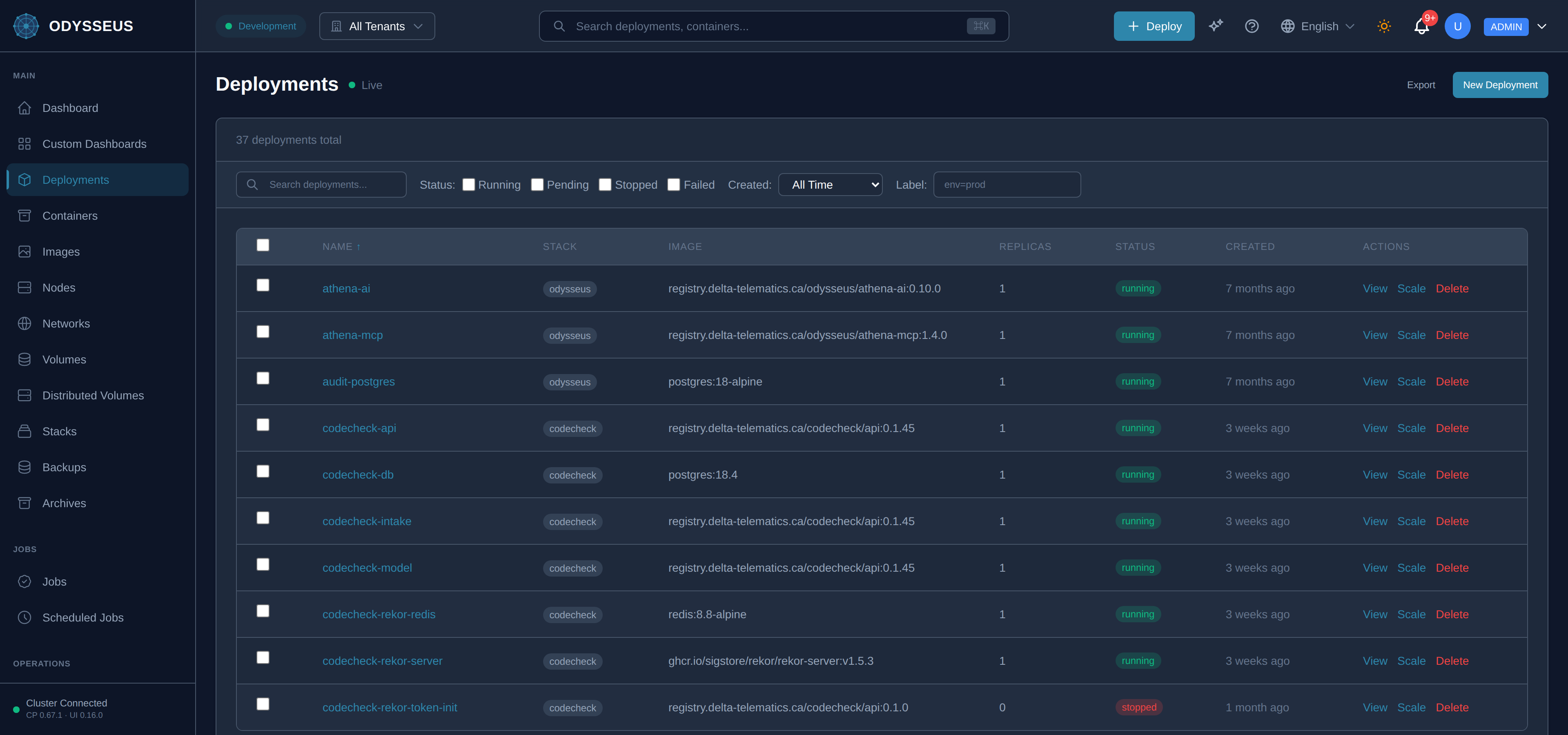
- Open Deployments and choose New deployment.
- Give it a name, the image reference and a replica count.
- Add the networks it needs, and the routing hostname and port under ingress.
- Add a health check of type
execwith a command the image can actually run. - Choose Deploy, and watch it reach running.
Steps
- Write the manifest — the worked example below is a file this documentation’s own tests parse and convert.
- Apply it — paste the whole document into the dashboard’s Import YAML box, or POST it to
the API with
Content-Type: application/yaml. Send the document, not itsspec:block: the envelope is what names the kind, and the API needs it. - Check it first if you want to. The same document sent to
/deployments/dry-runruns the identical admission rules and answers whether it would be accepted, without creating anything. - Watch the deployment reach running.
Steps
POST /api/v1/deploymentswith the deployment body to create it.GET /api/v1/deployments/{name}until it reports running.- Later changes go to
PUT /api/v1/deployments/{name}, which keeps every field you leave out — see sending part of a description.
Steps
odysseus deployexists, and it writes the legacy flat path the control plane no longer reconciles. It prints that warning itself and tells you to use the API or the dashboard.- Use one of the other tabs. The CLI’s useful commands here are the read-only ones —
odysseus statusandodysseus logs.
apiVersion: odysseus/v1kind: Deploymentmetadata: name: api labels: app: apispec: image: registry.delta-telematics.ca/acme/api:1.4.2 replicas: 3 environment: LOG_LEVEL: info networks: [acme-network, traefik-public] resources: limits: {cpu: "1", memory: 512Mi} requests: {cpu: 250m, memory: 256Mi} healthCheck: # required for rolling type: exec command: "wget -qO- http://localhost:8080/healthz" interval: 10s timeout: 15s retries: 3 startPeriod: 20s secrets: - name: DB vaultPath: deployments/api/db dependsOn: - job: api-migrate condition: complete placement: affinity: {label: role, value: app} onNodeFailure: reschedule ingress: host: api.example.com port: 8080 tls: {enabled: true, certResolver: letsencrypt} healthCheck: {path: /healthz, interval: 10s, timeout: 3s} # LB probe — the zero-downtime part compress: true headers: response: set: {X-Frame-Options: DENY} retry: {attempts: 3, initialInterval: 100ms} update: strategy: rolling allow_concurrent_versions: true # required attestation max_surge: 1 max_unavailable: 0 health_timeout: 90s min_healthy_time: 15s progress_deadline: 10m failure_action: rollbackManifest · testdata/docs-examples/routed-deployment.yamlVerify
The deployment reports its full replica count running, and the hostname serves your application over HTTPS.
Evidence this worked
GET /api/v1/deployments/{name} shows the running replica count and the image you sent. The
dashboard’s logs view shows the application’s own start-up output — a container that starts and
exits immediately shows the start line and nothing else.
When it fails
- The image is refused. The rejection asks for a pinned reference, e.g. “nginx:1.27” — never :latest, because there is nothing to run without one. Pin the tag.
- The health check is refused. Only
execproduces a container health check, and no other type produces a container healthcheck — see health checks and process reaping. - A rolling update is refused. Gradual rollouts have preconditions, and each refusal names the one you missed: see rollouts.
- Every code, with the field it names and the accepted form: rejections and alterations.