Billing Admin
What This Is For
Section titled “What This Is For”Billing Admin is the platform-wide counterpart to a tenant’s own Billing screen: revenue metrics across every tenant, a dunning board for tracking failed-payment recovery, plan management, tenant management and invoice management, organized into tabs so the page stays navigable as tenant and invoice counts grow. It is a platform-operator surface — a redirect guards it for anyone who is not a platform admin — and the KPIs on its overview tab are aggregated across the whole platform, not scoped to one tenant.
How You Get Here
Section titled “How You Get Here”Sidebar section Admin → Billing Admin. Platform admin only.
What It Looks Like
Section titled “What It Looks Like”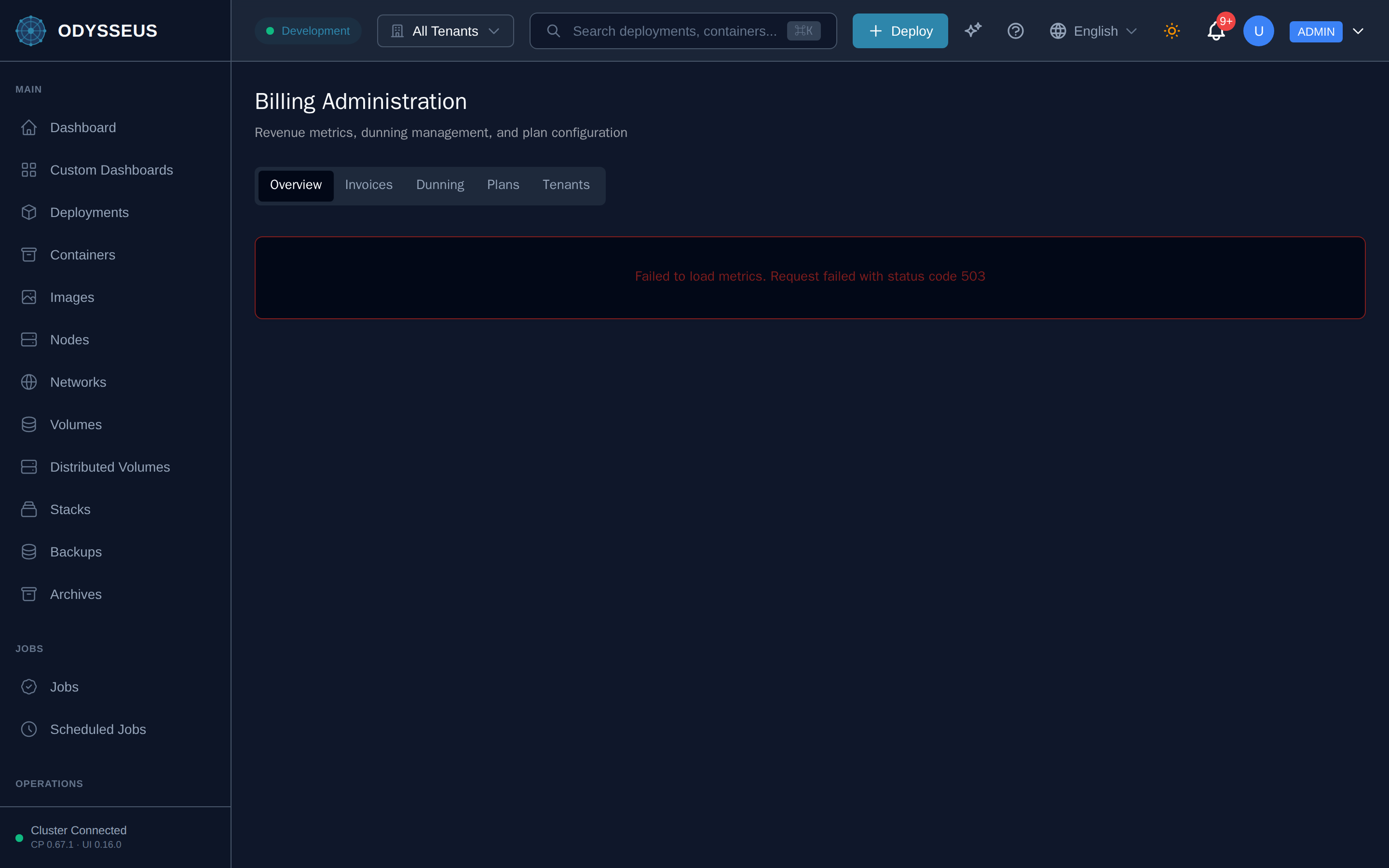
What It Shows
Section titled “What It Shows”/admin/billing (AdminBilling)
Section titled “/admin/billing (AdminBilling)”billing:adminBilling.billing-administration— “Billing Administration”billing:adminBilling.dunning— “Dunning”billing:adminBilling.invoices— “Invoices”billing:adminBilling.overview— “Overview”billing:adminBilling.plans— “Plans”billing:adminBilling.revenue-metrics-dunning-management-and— “Revenue metrics, dunning management, and plan configuration”billing:adminBilling.tenants— “Tenants”
What You Can Do
Section titled “What You Can Do”/admin/billing
Section titled “/admin/billing”This screen’s component declares no permission-gated controls.
Where To Go Next
Section titled “Where To Go Next”The connection this page’s data comes from — Odysseus’s link to the Musa billing service — is configured on the Billing Config screen. A single tenant’s own view of their subscription is the Billing screen.