Scale a deployment
Goal
More copies of a deployment, either because you set the number or because the platform adjusts it for you.
Before you start
- A running deployment.
- Enough room on your tenant’s nodes for the extra copies. Placement decides where they land — see placement and allocation.
Steps
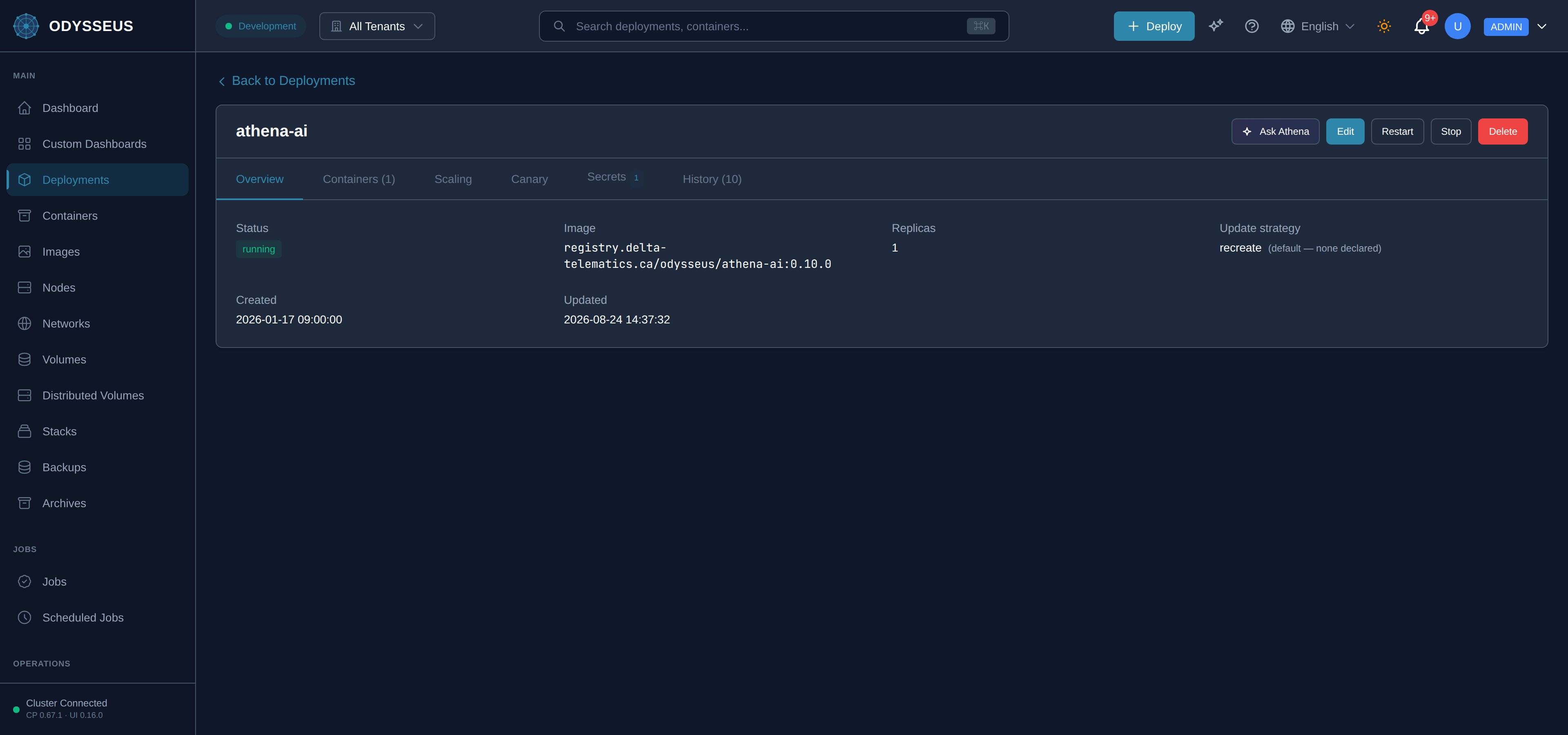
- Open the deployment and choose Scale.
- Set the replica count and confirm.
- Watch the new copies reach running.
Steps
POST /api/v1/deployments/{name}/scalewith the replica count.GET /api/v1/deployments/{name}to watch the copies appear.- For automatic scaling, send a
scalingblock withPUT /api/v1/deployments/{name}instead: bounds, cooldowns and the metric to watch.
Steps
- Change
replicas, or add ascalingblock for automatic adjustment. - Apply the document. The fields are in the deployment reference.
Steps
odysseus scale <deployment> --replicas Nexists, and it writes the legacy flat path directly rather than going through admission.- Use the dashboard or the API so the change is validated and recorded like any other.
Verify
The deployment reports the replica count you asked for, and the extra copies are listed on nodes in your tenant.
Evidence this worked
The replica count in GET /api/v1/deployments/{name} matches what you sent, and each new container
appears under a node. A count that never rises means placement found nowhere to put the copies, not
that the request was lost.
When it fails
- The count is refused as negative. Replicas are a count; zero is accepted and means “stopped”.
- The copies never start. No node in your tenant can hold them. Placement never crosses the tenant boundary, so adding capacity means enrolling a node — see enrol a node.
- Automatic scaling does nothing. A scaling block that is not enabled, or whose bounds leave no room to move, changes nothing and is not an error.
- Every code: rejections and alterations.