Billing
What This Is For
Section titled “What This Is For”Billing is where a tenant administrator manages their own subscription — view usage against the plan’s limits, and download past invoices. It is tenant-scoped: what you see here is only your own organization’s billing relationship with the platform, not any other tenant’s.
How You Get Here
Section titled “How You Get Here”Sidebar section Admin → Billing. Tenant admin only, and only where billing is enabled for the tenant.
What It Looks Like
Section titled “What It Looks Like”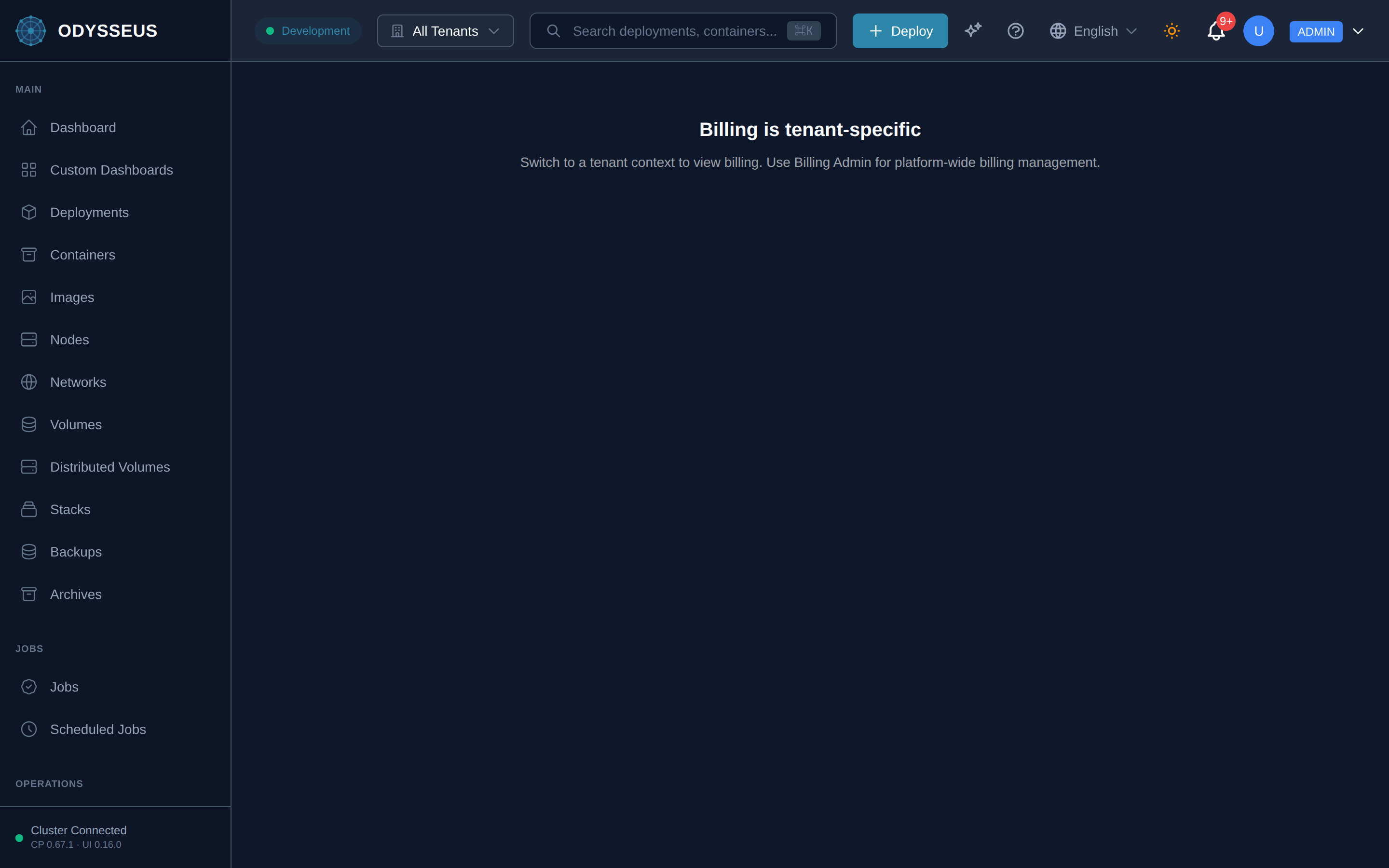
What It Shows
Section titled “What It Shows”/billing (Billing)
Section titled “/billing (Billing)”billing:billing.billing-is-tenant-specific— “Billing is tenant-specific”billing:billing.billing-usage— “Billing & Usage”billing:billing.manage-your-subscription-view-usage— “Manage your subscription, view usage, and download invoices”billing:billing.no-tenant-selected— “No tenant selected”billing:billing.select-a-tenant-to-view— “Select a tenant to view billing information.”billing:billing.switch-to-a-tenant-context— “Switch to a tenant context to view billing. Use Billing Admin for platform-wide billing management.”
What You Can Do
Section titled “What You Can Do”/billing
Section titled “/billing”This screen’s component declares no permission-gated controls.
Where To Go Next
Section titled “Where To Go Next”To compare plans before changing yours, see the Plans screen.