Roll out a change without downtime
Goal
Before you start
- A deployment with a health check of type
execthat really runs. Readiness is unknowable without one, and the precondition is checked. - No read-write named volume, no writable bind mount and no published node port: two versions cannot share those.
- Your own attestation that two versions may briefly run at once. It is never inferred.
Steps
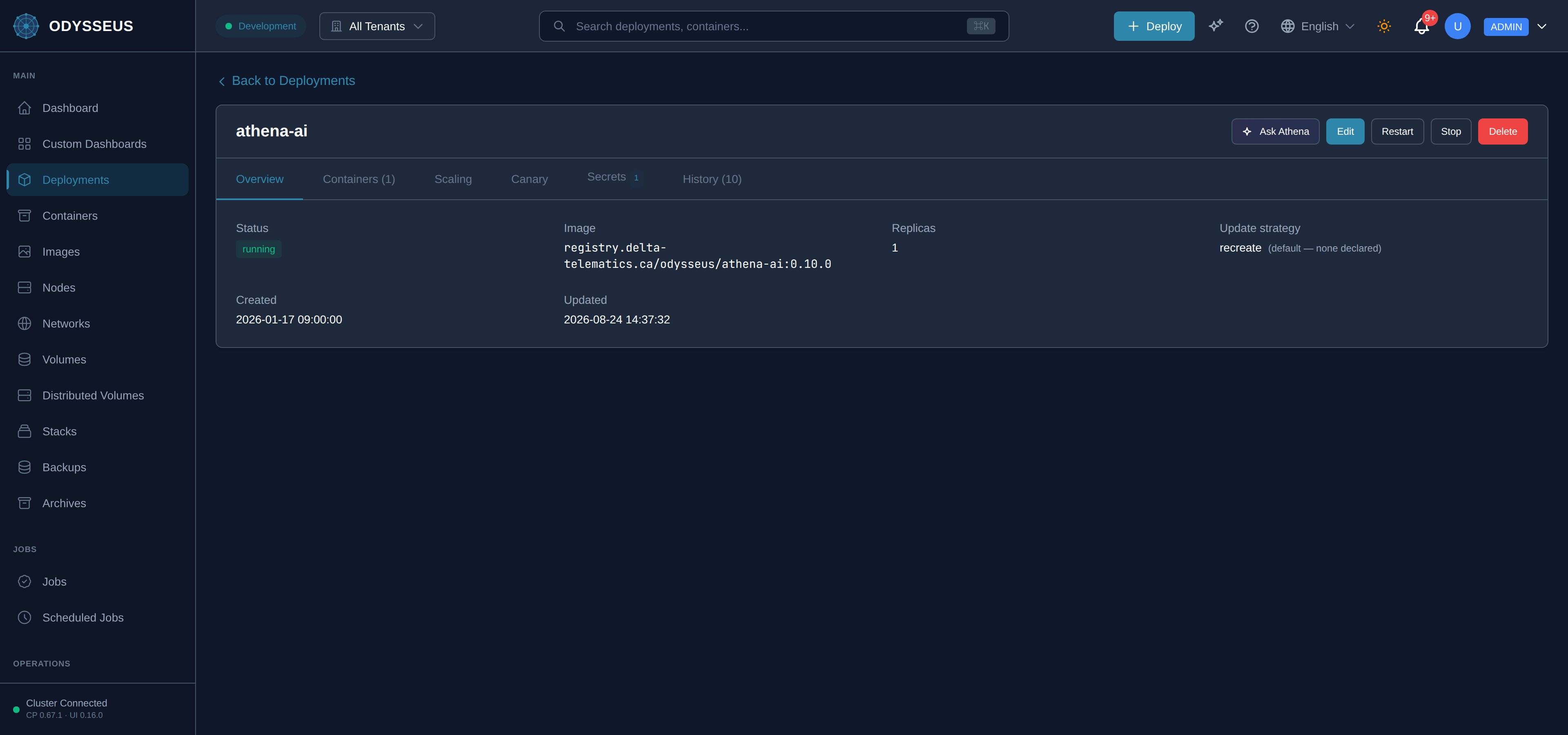
- Open the deployment and choose Update strategy.
- Choose the rolling strategy, confirm that concurrent versions are allowed, and set the surge and unavailable counts.
- Set the health timeout, the dwell time and the deadline for the whole rollout.
- Choose what happens if it does not finish: pause, or roll back.
- Change the image and deploy.
Steps
- Add an
updateblock to the spec, with the strategy, the attestation and the timings. - Change the image in the same document.
- Apply it. Field names and defaults are in the deployment reference.
Steps
PUT /api/v1/deployments/{name}carrying the update policy and the new image.GET /api/v1/deployments/{name}to watch replicas hand over.POST /api/v1/deployments/{name}/rollbackto return to the previous revision by hand.
Steps
odysseus rollbackandodysseus historyinspect and reverse a rollout.- The change itself goes through the API or the dashboard:
odysseus deploywrites the legacy flat path the control plane no longer reconciles, and says so when you run it.
Verify
The replica count never drops below your stated minimum during the change, and the deployment ends on the new image with every replica healthy.
Changing only the replica count is not a rollout, and does not need one. Widening or narrowing the fleet adds or removes containers and leaves the ones already running in place, so the only thing to check is the new count. The platform decides whether an existing container must be replaced by comparing it against the shape it was built from, and the replica count is not part of that shape — it is how many, not what.
Evidence this worked
GET /api/v1/deployments/{name}/history lists the revision that was created, and the deployment’s
current image is the new one. A rollback that fired leaves the previous revision current — the
history is how you tell the difference between “it worked” and “it was reverted for you”.
When it fails
- The rollout is refused at apply. A gradual strategy has four preconditions and the refusal names the one that failed. The commonest is the missing attestation that two versions may coexist.
- The health check is present but produces no probe. That is refused now, and it is why the precondition became meaningful — see health checks and process reaping.
- The rollout stops partway. It hit the deadline you set and took the failure action you chose.
- Every code: rejections and alterations.