Plans
What This Is For
Section titled “What This Is For”Plans is the tenant-facing pricing and plan-comparison page — a simple, self-contained page for choosing or comparing subscription tiers before committing, with a “contact our team” path if none of the listed plans fit. Plan data is fetched from the billing service; if that service is unreachable the page says so plainly (with a retry) rather than showing stale or invented figures.
How You Get Here
Section titled “How You Get Here”Sidebar section Operations → Plans. It is also reachable from Settings, which links to it as “View Plans” next to your tenant’s current plan.
What It Looks Like
Section titled “What It Looks Like”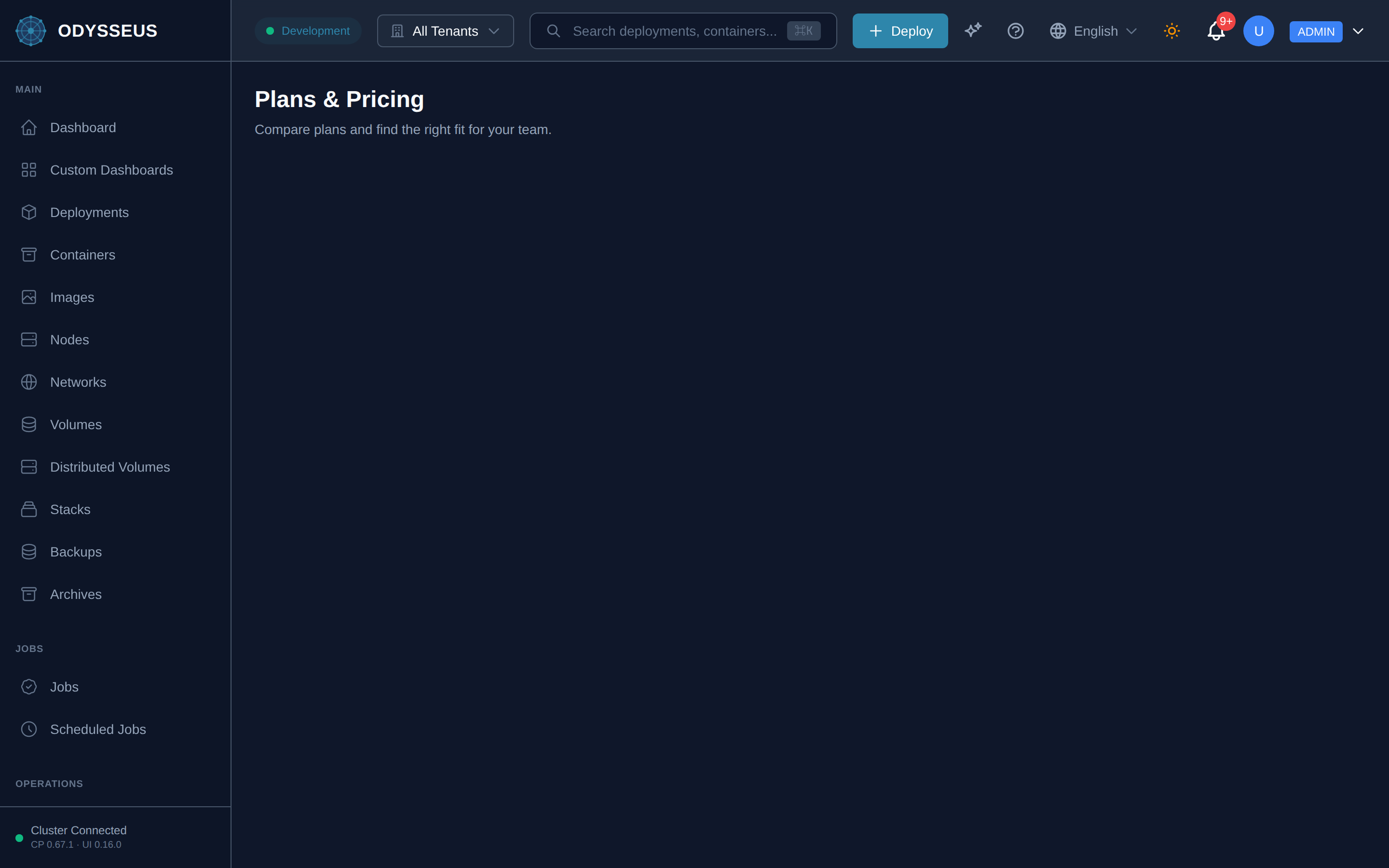
What It Shows
Section titled “What It Shows”/plans (Plans)
Section titled “/plans (Plans)”administration:plans.compare-plans-and-find-the— “Compare plans and find the right fit for your team.”administration:plans.contact-our-team— “Contact our team”administration:plans.need-help-choosing— “Need help choosing?”administration:plans.plan-information-is-temporarily-unavailable— “Plan information is temporarily unavailable. Please try again later.”administration:plans.plans-pricing— “Plans & Pricing”administration:plans.retry— “Retry”administration:plans.unable-to-load-plans— “Unable to load plans”
What You Can Do
Section titled “What You Can Do”/plans
Section titled “/plans”This screen’s component declares no permission-gated controls.
Where To Go Next
Section titled “Where To Go Next”Once you have a plan, manage the subscription itself, view usage and download invoices on the Billing screen.