System Config
What This Is For
Section titled “What This Is For”System Configuration is a raw editor for control-plane configuration settings — the ones that do not have a dedicated screen of their own elsewhere in Admin, Platform or Settings. It loads the current key/value settings the control plane exposes and lets an admin change and save them; where no settings are exposed, it says so rather than showing an empty table that looks broken.
How You Get Here
Section titled “How You Get Here”Sidebar section Admin → System Config. Admin only.
What It Looks Like
Section titled “What It Looks Like”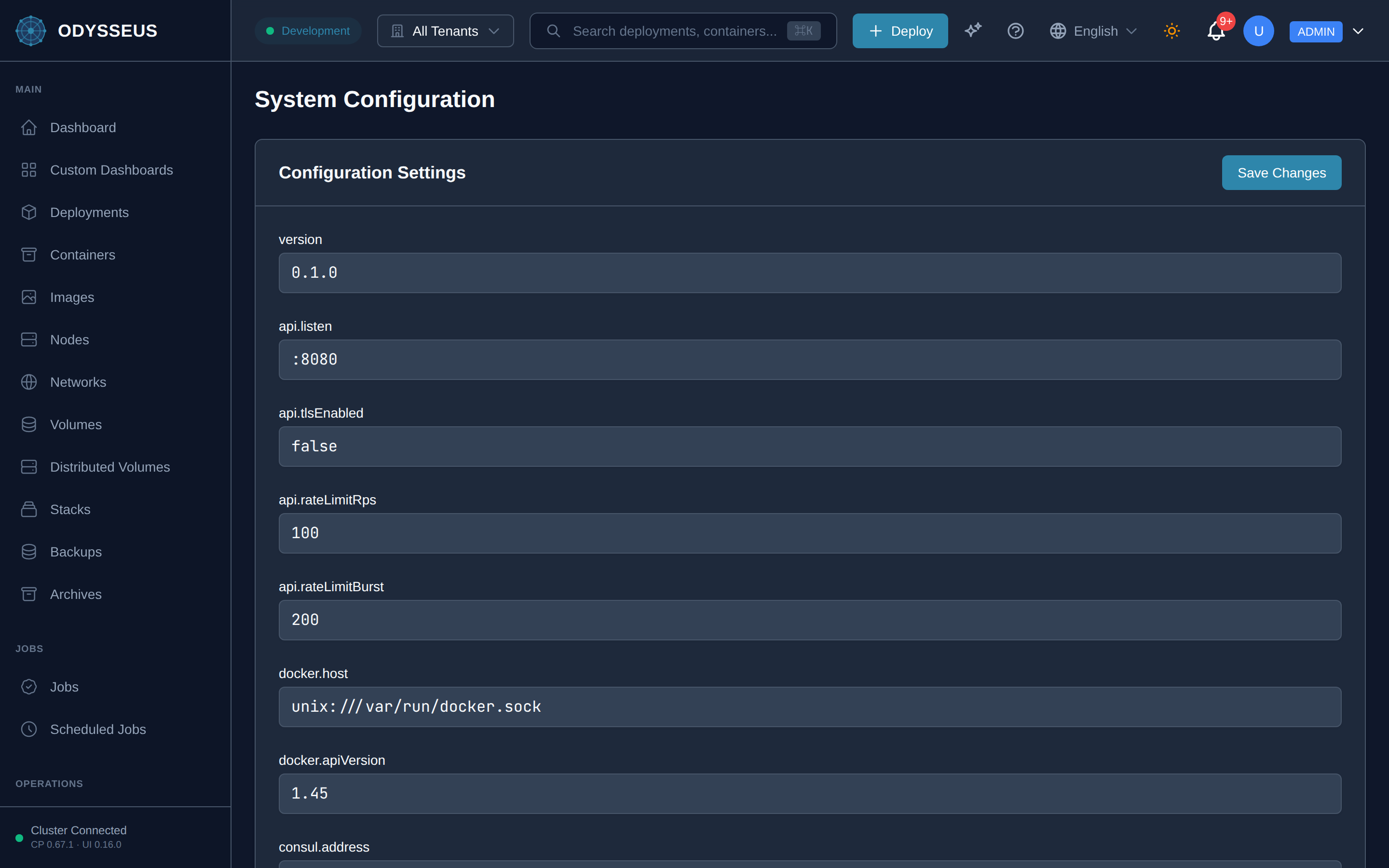
What It Shows
Section titled “What It Shows”/admin/config (Config)
Section titled “/admin/config (Config)”administration:config.configuration-settings— “Configuration Settings”administration:config.loading-configuration— “Loading configuration…”administration:config.no-configuration-settings-available— “No configuration settings available.”administration:config.save-changes— “Save Changes”administration:config.system-configuration— “System Configuration”
What You Can Do
Section titled “What You Can Do”/admin/config
Section titled “/admin/config”This screen’s component declares no permission-gated controls.
Where To Go Next
Section titled “Where To Go Next”Most day-to-day configuration — WireGuard, registry credentials, notifications, the vulnerability scanner — has its own dedicated section on the Settings screen instead of living here.