A container starts, stops and starts again
Symptom
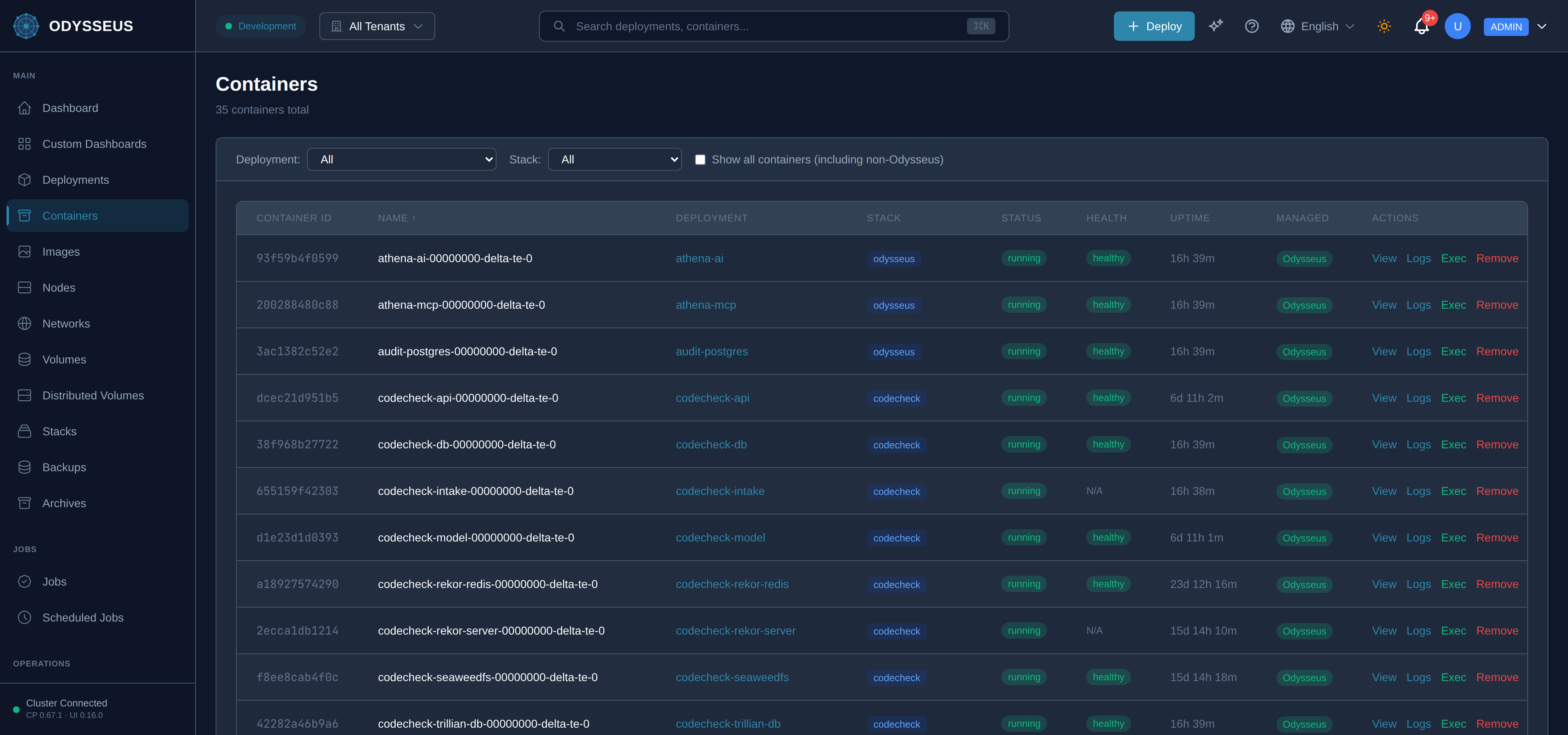
The deployment’s restart count climbs. Logs show the application’s first few lines and then nothing, repeatedly. The status flickers between running and not.
Diagnose
- Read the container’s own output first. The dashboard’s logs view, or
odysseus logs <deployment>. An application that exits on a missing environment variable or an unreachable database says so, and no platform-side check will say it better. - Was it killed for memory? The container’s events carry the kill reason. A memory limit reached is a kill, not a crash, and the application’s log ends mid-sentence rather than with an error.
- Is the health check killing it? A probe that fails repeatedly is treated as a failed container. Run the probe’s own command inside the image and see what it does — several images do not contain the tool a probe was written against.
- Is the image the one you meant? A tag that moved under you produces a container that has never worked, which looks identical to one that broke.
- Is it restarting, or is it being replaced? A container that restarts keeps its id. A container the platform replaced has a new one. The platform replaces a container when the deployment’s shape no longer matches what that container was built from, or when the image behind the tag moved — so a series of new ids means the deployment is being reconciled repeatedly, and the fix is in whatever keeps rewriting the deployment rather than in the image. A change to the replica count alone is not such a change and leaves running containers alone.
- Did it stop and never come back? Then read the events,
GET /api/v1/events. A container found on a node with no deployment record behind it is removed rather than only reported, and the removal is published asorphan.deleted. The sweep runs every fifteen minutes, takes stopped containers only, and acts only after it has confirmed the record is absent on a second read, that it could see the whole node, and that the container names its owner. Every one of those refusals is published too, asorphan.deletion_refused— so neither the removal nor the decision to leave it alone is silent.
Resolve
- Application error: fix it in the image, or supply what it is missing. A restart loop caused by configuration is fixed by the configuration, not by restarting.
- Memory kill: raise the limit, or reduce what the application holds. Changing the limit replaces the container, which is expected — the mutability column of the deployment reference says which fields do that.
- Probe failing: correct the command so the image can run it, or suppress an inherited probe deliberately. See health checks and process reaping.
- Wrong image: pin the tag. A tag that is not pinned is refused on create for this reason.
- Being replaced rather than restarting: find what keeps changing the deployment. A replacement is the platform doing what the deployment now says; nothing in the image will stop it.
- Removed as an orphan: the container outlived its deployment record. Create the deployment again through the API and the platform places it; do not start the container by hand, because the next sweep will find it unowned and take it away again.
Prevent
Pin image tags, and write a probe that uses a tool the image actually carries. Both failures are cheap to prevent and expensive to diagnose under load, because the evidence scrolls past.