Mettre à l'échelle un déploiement
Goal
Plus de copies d’un déploiement, soit parce que vous avez défini le nombre, soit parce que la plateforme l’ajuste pour vous.
Before you start
- Un déploiement en cours d’exécution.
- Assez d’espace sur les nœuds de votre locataire pour les copies supplémentaires. Le placement décide où ils atterrissent — voir placement et allocation.
Steps
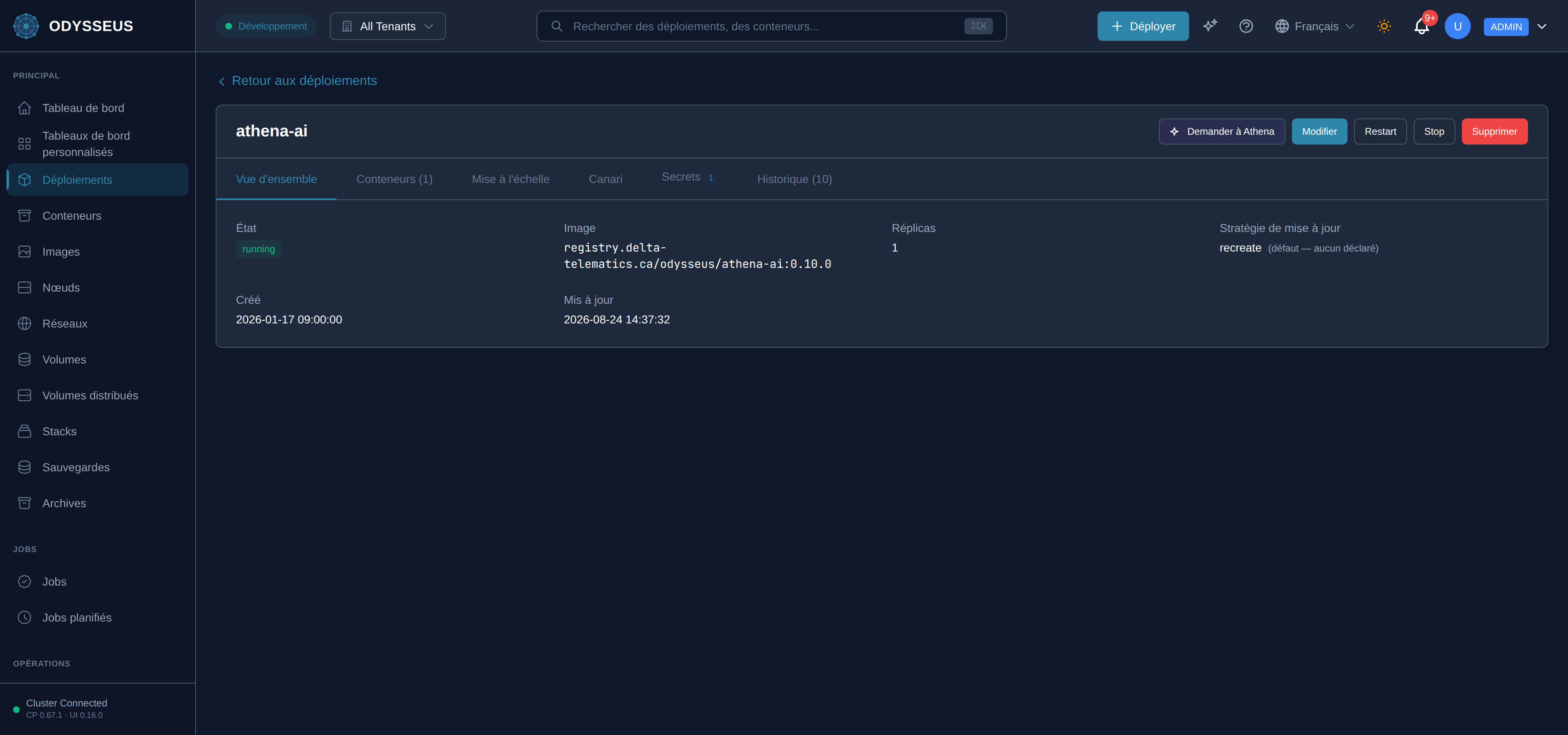
- Ouvrez le déploiement et choisissez Scale.
- Définissez le nombre de réplicas et confirmez.
- Regardez les nouvelles copies atteindre l’état en cours d’exécution.
Steps
POST /api/v1/deployments/{name}/scaleavec le nombre de réplicas.GET /api/v1/deployments/{name}pour voir apparaître les copies.- Pour la mise à l’échelle automatique, envoyez un bloc
scalingavecPUT /api/v1/deployments/{name}à la place : limites, temps de récupération et la métrique à surveiller.
Steps
- Modifiez
replicas, ou ajoutez un blocscalingpour un ajustement automatique. - Appliquez le document. Les champs se trouvent dans la référence de déploiement.
Steps
odysseus scale <deployment> --replicas Nexiste, et il écrit le chemin plat hérité directement au lieu de passer par l’admission.- Utilisez le tableau de bord ou l’API pour que la modification soit validée et enregistrée comme toute autre.
Verify
Le déploiement indique le nombre de réplicas demandé, et les copies supplémentaires sont listées sur les nœuds de votre locataire.
Evidence this worked
Le nombre de réplicas dans GET /api/v1/deployments/{name} correspond à ce que vous avez envoyé, et chaque nouveau conteneur
apparaît sous un nœud. Un nombre qui n’augmente jamais signifie que le placement n’a trouvé nulle part où placer les copies, pas
que la requête a été perdue.
When it fails
- Le nombre est refusé car négatif. Les réplicas sont un nombre ; zéro est accepté et signifie « arrêté ».
- Les copies ne démarrent jamais. Aucun nœud dans votre locataire ne peut les héberger. Le placement ne franchit jamais la frontière du locataire, ajouter de la capacité signifie donc enroller un nœud — voir enroller un nœud.
- La mise à l’échelle automatique ne fait rien. Un bloc de mise à l’échelle qui n’est pas activé, ou dont les limites ne laissent aucune marge de manœuvre, ne change rien et ce n’est pas une erreur.
- Chaque code : rejets et altérations.