Enrol a node
此内容尚不支持你的语言。
Goal
A machine of yours registered with the control plane and ready to be given containers.
Before you start
- A Linux machine with Docker installed and a root shell.
- Outbound HTTPS from that machine to the control plane.
- Rights to enrol within your tenant. A node belongs to one tenant, as tenancy and isolation describes.
Steps
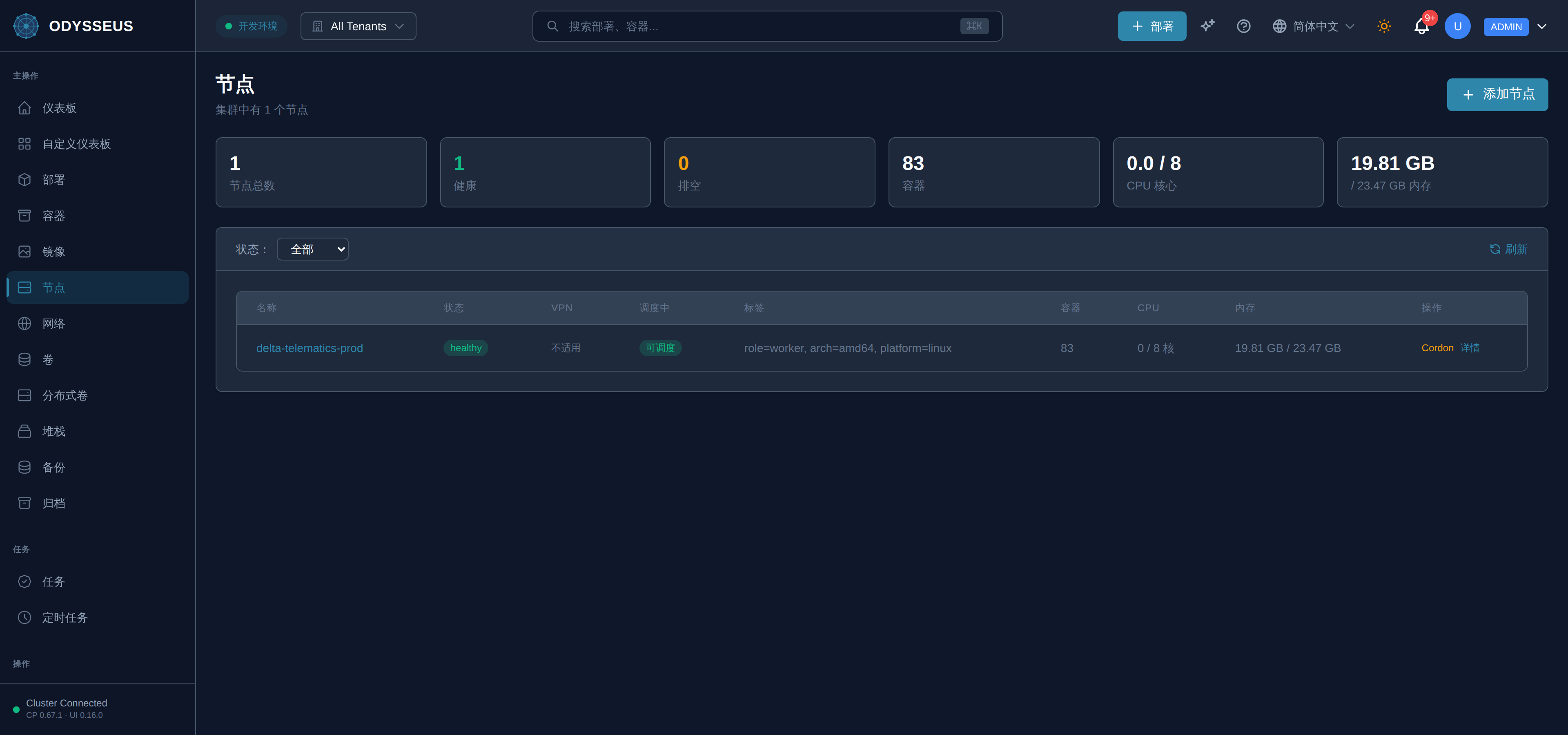
- Open Nodes and choose Enrol a node.
- Copy the install command. It carries a single-use enrolment token.
- Run it as root on the machine.
- Watch the node appear in the list and become ready.
Steps
POST /api/v1/nodes/enrollto obtain an enrolment token for a node name you choose.GET /api/v1/bootstrap/scripton the machine, with that token, to fetch the installer.- Run the installer as root. It calls
POST /api/v1/bootstrap/validateand thenPOST /api/v1/bootstrap/complete. GET /api/v1/nodesand confirm the node is listed.
Steps
- There is no CLI enrolment command. The installer the dashboard and the API hand you is the node-side tool, and it is the same script either way.
- Use the dashboard or the API tab above; the CLI’s role here is inspection, not enrolment.
Verify
The node is listed and ready, and
GET /api/v1/nodes/{name} returns it.Evidence this worked
The installer’s last line reports the agent enrolled, and the node’s first check-in changes its state in the list within about thirty seconds. A node that never appears has not completed enrolment — the token was consumed by an earlier attempt, or the machine cannot reach the control plane.
When it fails
- The token is refused as already used. Enrolment tokens are single-use. Issue another rather than re-running the old command; a stale copy of the install line is the most common cause.
- The node appears and never becomes ready. The agent enrolled but cannot maintain its connection outbound. Check egress rather than the enrolment.
- The node belongs to another tenant. Nodes do not move between tenants; the machine has to be removed and enrolled again.